 OsioPlan
OsioPlan
OsioPlan
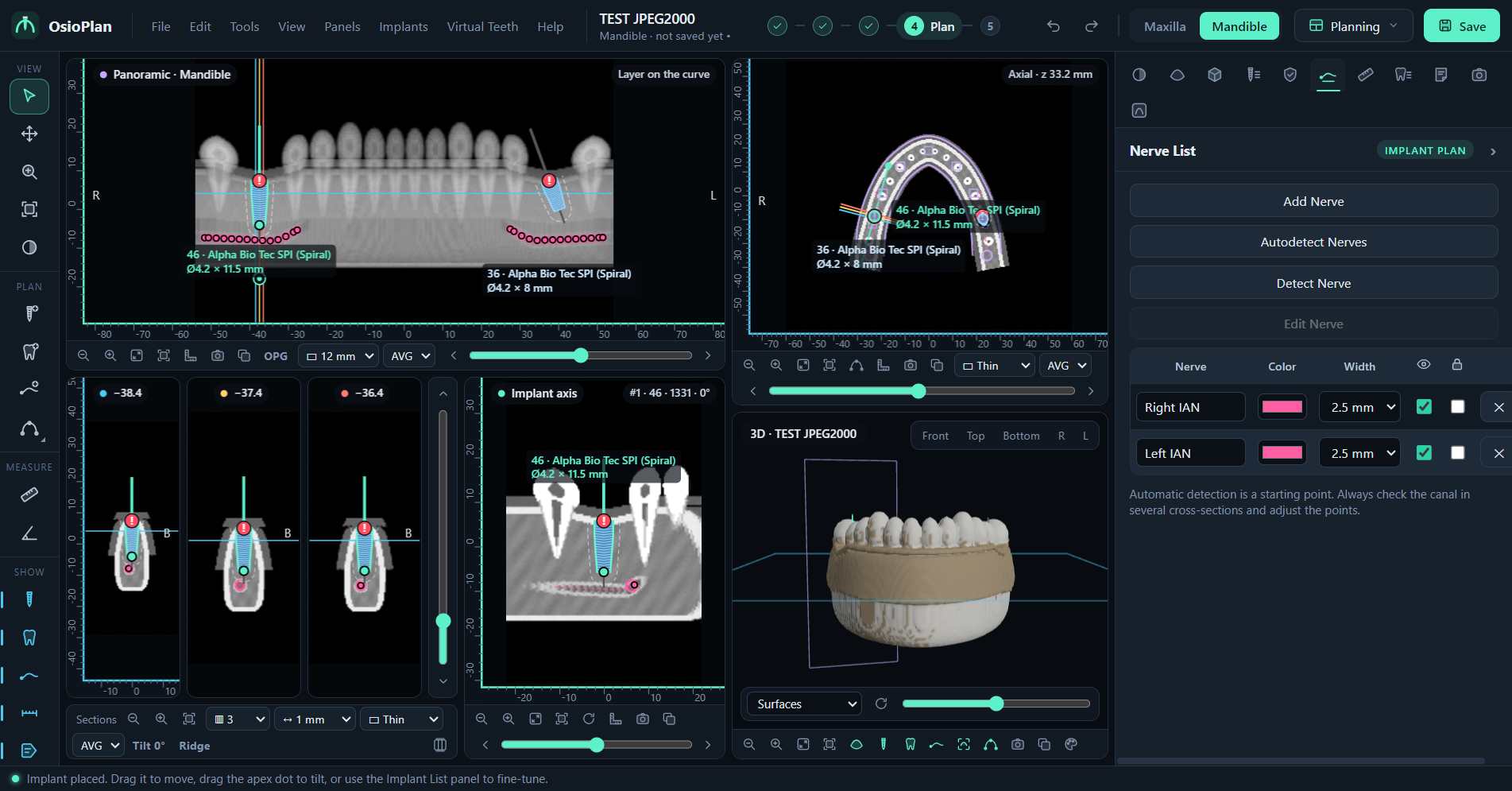
OsioPlan reads your patient's CBCT scan (DICOM folder or zip, straight from the scanner or the lab) and lets you plan implants on the panoramic, the cross-sections and the axial slices, with real implant sizes, nerve tracing and safety checks.
Scans are opened on your own device. Nothing is uploaded to this website.
Any DICOM series: a folder, a CD copy, or a zip as downloaded. Files without “.dcm” in the name are recognised too. Compressed scans (JPEG 2000, JPEG-LS, RLE) open as well.
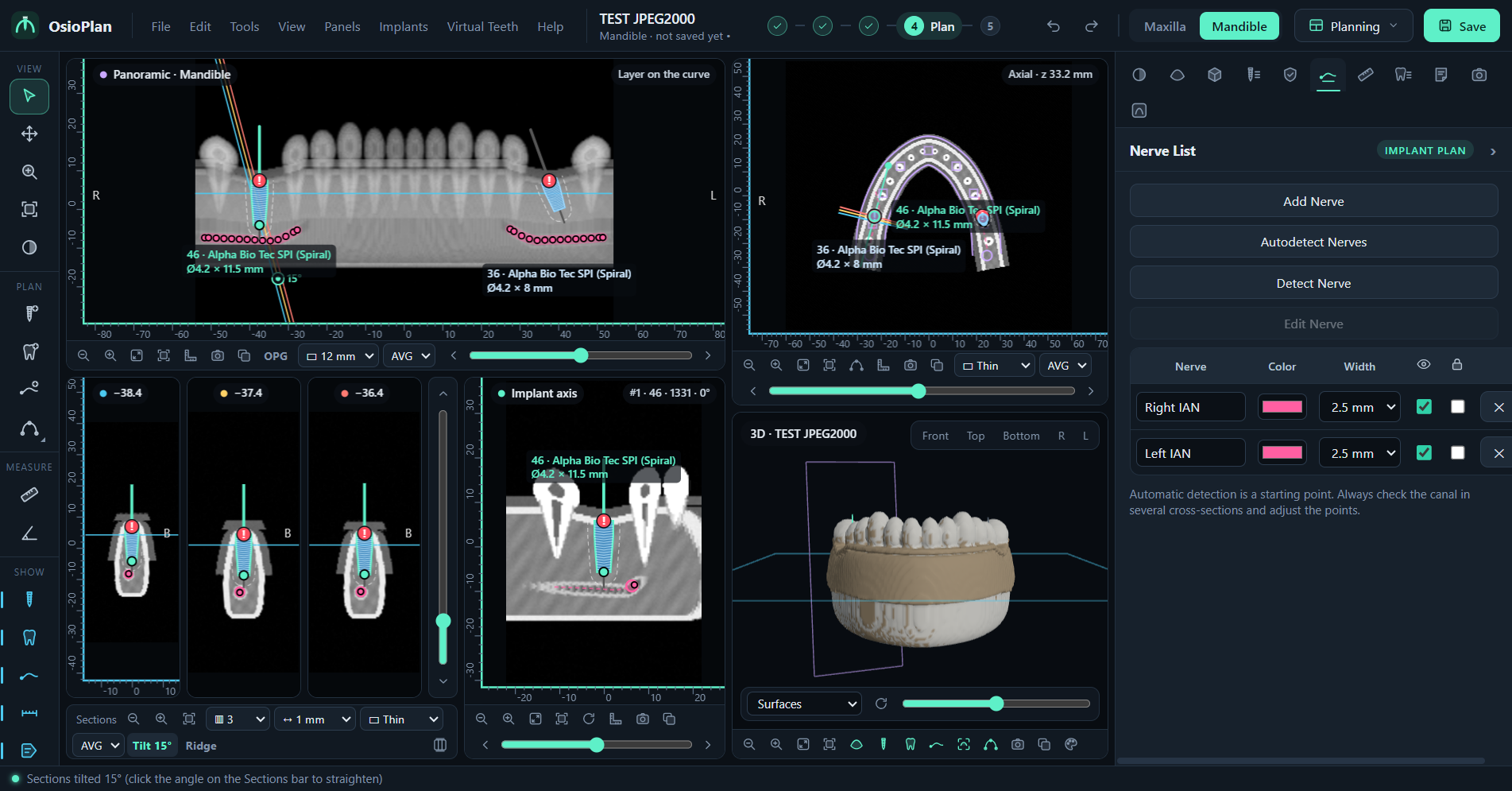
Panoramic (thin slice or OPG-like), cross-sections you can tilt, axial with thickness and MIP, and a view along the implant axis. Maxilla and mandible in the same project.
A catalogue of implant lines with their diameters, lengths and connections. Drag to place, tilt from the apex, make parallel, check angulation.
Trace or detect the mandibular canal. OsioPlan warns when an implant is too close to the nerve or to another implant, or too divergent.
Choose the missing teeth and the crowns are placed by tooth number from the dental midline, ready for prosthetically driven planning.
Implant report as PDF, screenshots, measurements. Share a case with the CT included, or keep projects small and linked to the scan.
Windows app, or the browser on any computer
Installed from Chrome, opens like an app
Scans are loaded at a slightly reduced detail (about 0.4 mm) so they fit in a phone's memory.
Install once, then open OsioPlan from the desktop icon. Works without internet.
Download for WindowsMac and Linux: use OsioPlan in the browser.
No app store and no APK. Updates arrive by themselves.